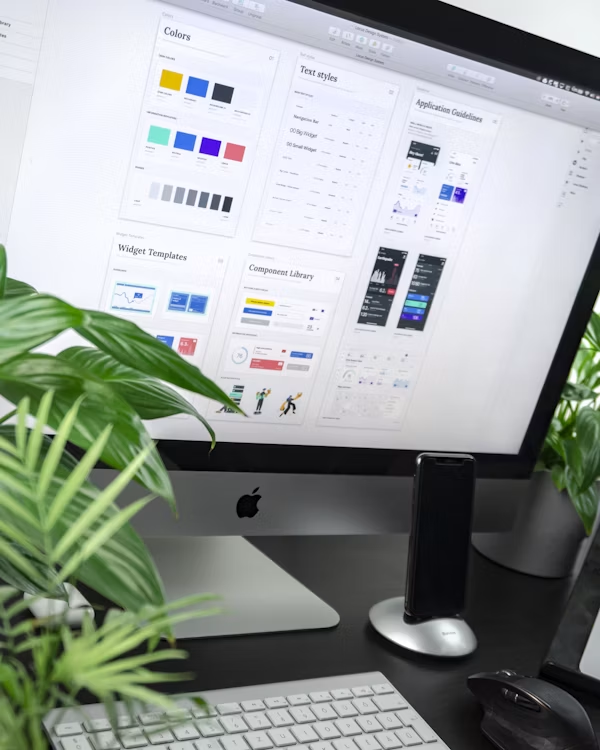
Toggle controls in the right sidebar to change card dimension, theme backgrounds, and typographic styling instantly.
"The details are not the details. They make the design."
"We do not design layouts for static pages. We design structural frameworks for fluid thoughts."
Every parameter of your quote grid is adjustable. Explore the full range of controls available in the design canvas.
Choose from three distinct typographic families including classic serif, geometric sans-serif, and monospace. Each font is optimized for readability at all card sizes and export resolutions.
Toggle between small, medium, and poster-sized card dimensions. The layout engine automatically recalculates margins, padding, and font sizes proportionally to maintain visual balance.
Apply studio light, gallery dark, or linen warm themes with a single click. Each theme adjusts background colors, text contrast ratios, and border styles to create cohesive visual presentations.
Name and save your grid configurations to your account library. Return to any saved layout and resume editing exactly where you left off, with all settings and parameters preserved.
Follow these four steps to transform any quote into a publication-ready typographic card in minutes.
Choose from the built-in quote library or paste your own custom text. The canvas instantly renders your selection with the current typography and theme settings applied.
Pick a dimension that matches your target output, whether it is a compact social media card, a medium web banner, or a large-format poster layout for physical printing.
Choose from curated themes designed for maximum contrast and readability. Each theme adjusts the complete visual environment including backgrounds, borders, and text shadow effects.
Save your configuration to your account for future editing, or export the final grid as a high-resolution image. Studio plan members can also export vector PDFs for print production.
The QuoteMasterGrid export engine generates production-ready output tailored to your specific use case. Whether you are publishing to Instagram stories, printing museum-quality posters, or embedding grids in digital presentations, every export is optimized.
Our rendering pipeline preserves typographic precision at every resolution, ensuring that font weights, letter spacing, and line heights remain consistent from screen preview to final delivery format.
Learn from experienced QuoteMasterGrid users who have mastered the art of grid customization.
Start with the poster size when designing. It forces you to think about hierarchy at the largest scale first, then your layouts naturally look even better when scaled down to smaller card formats.
The dark theme with serif typography creates the most dramatic effect for philosophical quotes. I always pair Gallery Dark with Playfair for quotes that need gravitas and visual weight.
Save multiple versions of the same quote with different themes and sizes. This gives you a ready-made content library when you need to post quickly without spending time on live customization.